
Updates list all the past updates installed in the system. It also enables you to upload patches in the LPSM and install it.
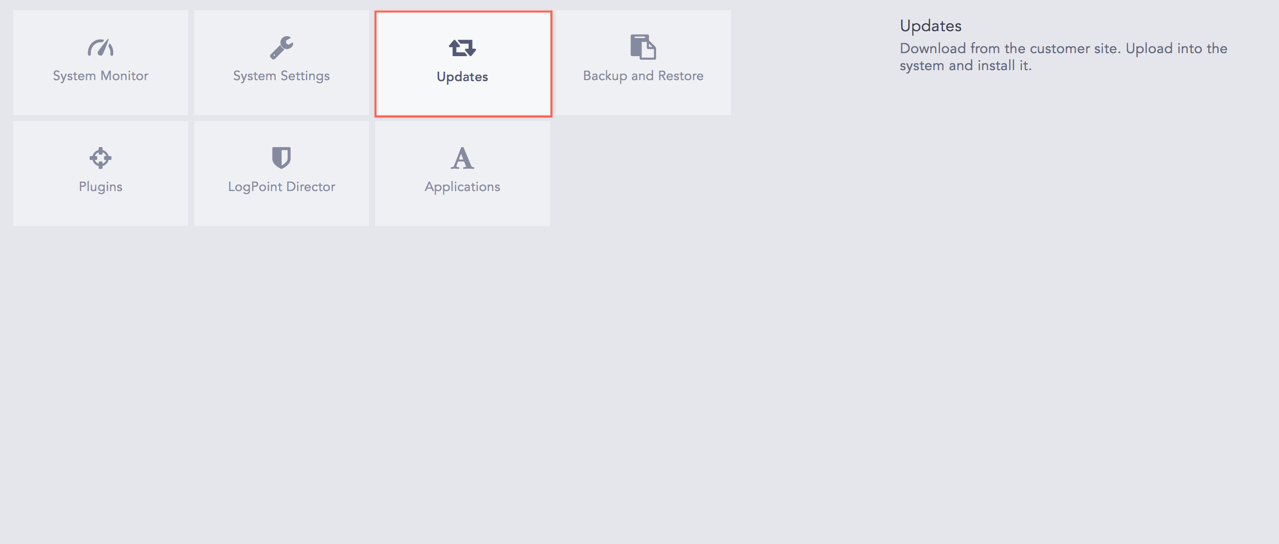
Updates
Go to Settings >> System >> Updates.
Click Upload Patch.
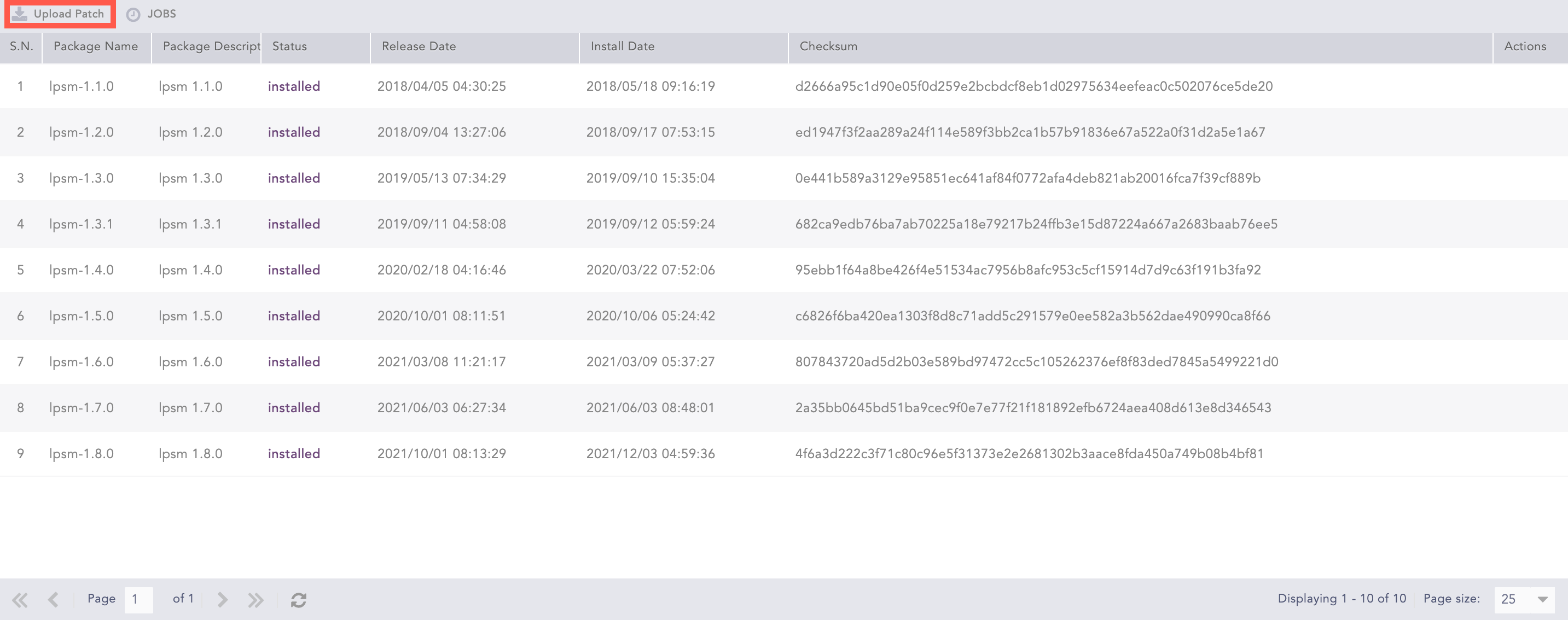
Upload Patch
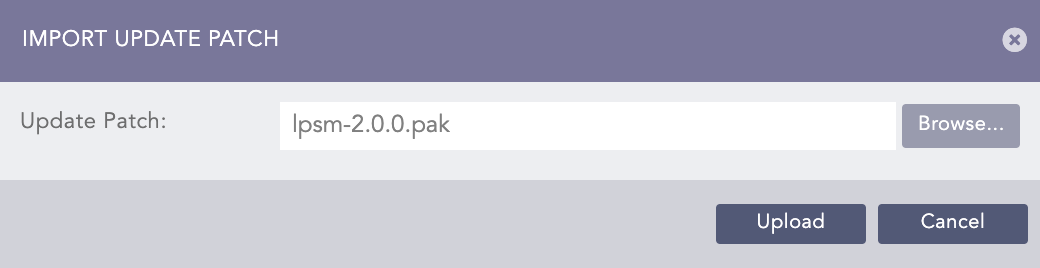
Import Update Patch
Browse the patch file with the .pak extension. The released .pak files can be downloaded from the LogPoint Help Center.
Click Upload.
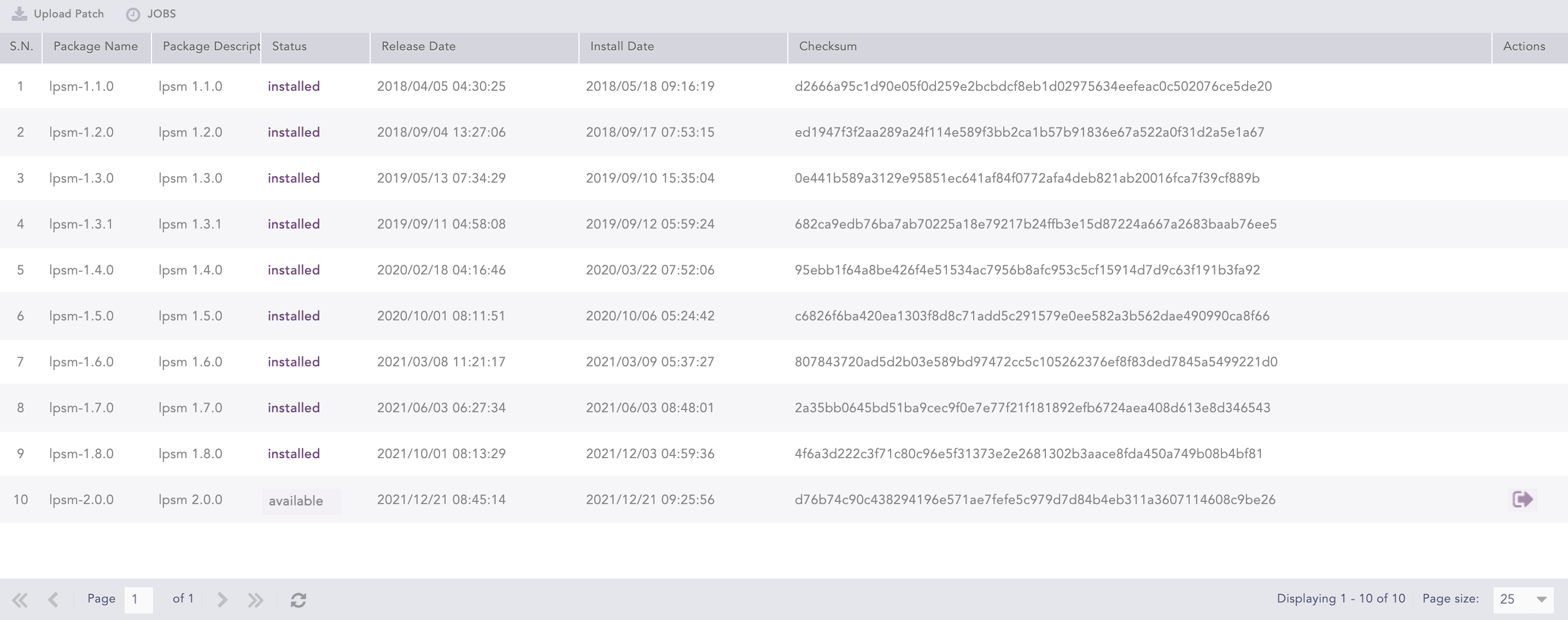
Patch Uploaded
Click the Install Update ( ) icon from the Actions column.
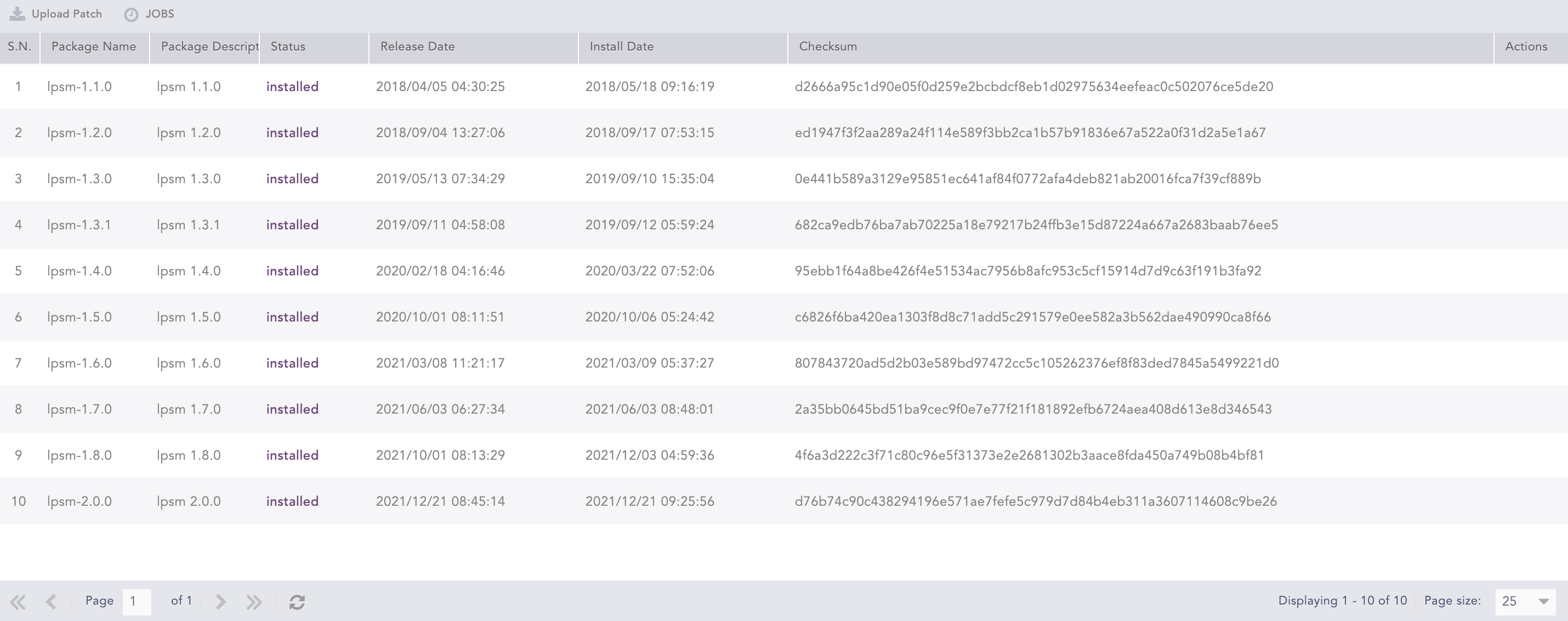
Patch Installed
Refresh the application once the installation is complete.
Note
Click Jobs to view the status details of all the uploaded patch files.